Discord Bot Hosting: Self-Managed vs Managed Platforms
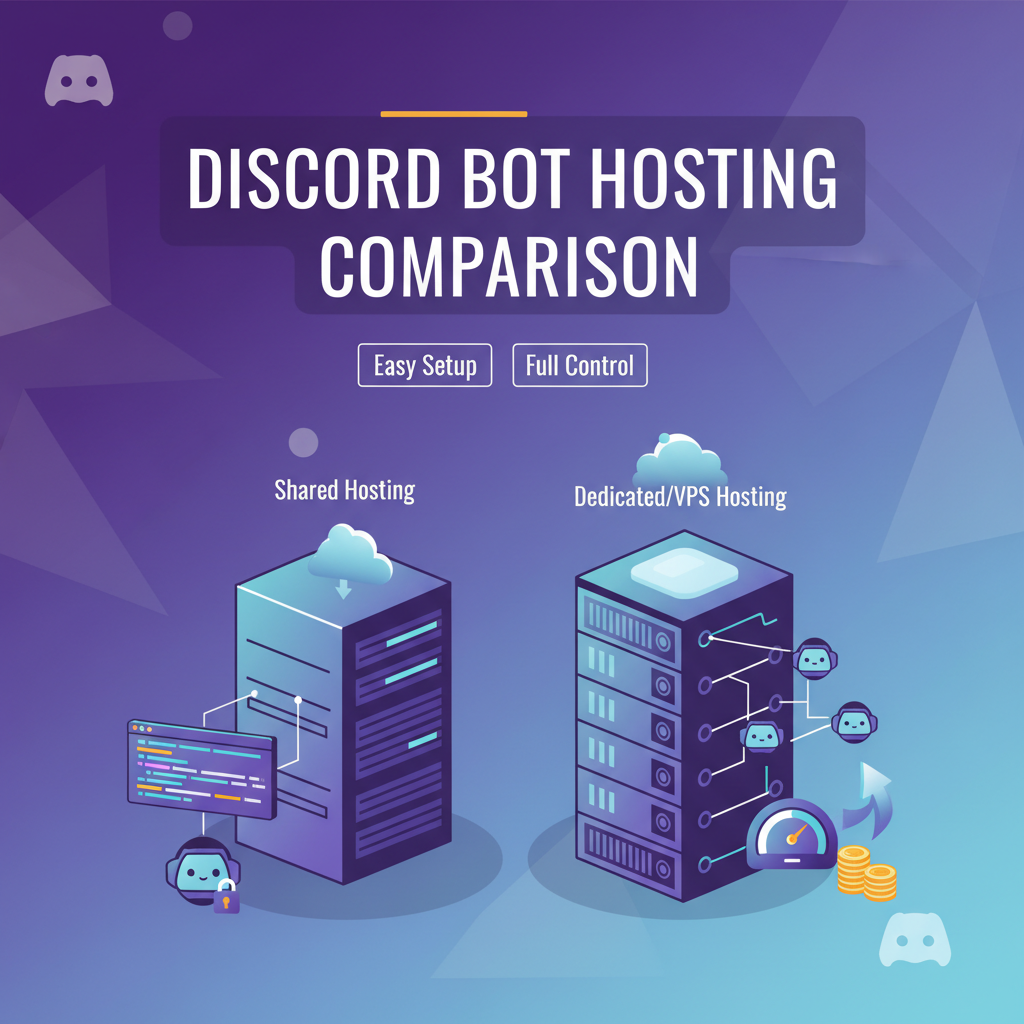
You've built a Discord bot — maybe a moderation tool, a music bot, or an AI assistant. Now you need it to run reliably, 24 hours a day, without you babysitting a terminal. The hosting decision is more important than most developers realize, so let's break down the options.
Option 1: Virtual Private Server (VPS)
Providers like Hetzner, DigitalOcean, and Linode offer Linux servers starting around $4-5/month. You get full root access and complete control.
Pros:
- Cheapest option for long-running processes
- Full control over the environment
- Can host multiple bots on one server
Cons:
- You manage everything — OS updates, security patches, firewall rules
- Need to set up process management (systemd, PM2, or Docker)
- No automatic restarts on crash unless you configure it
- Monitoring and logging are your responsibility
A VPS is ideal if you're comfortable with Linux administration and want to learn infrastructure. For production bots serving real users, the operational burden is significant.
Option 2: Platform as a Service (PaaS)
Railway, Render, and Fly.io offer a middle ground. You push code and they handle the runtime. Heroku was the original player here, though its free tier is long gone.
Pros:
- Simple deployment — push to Git, it builds and deploys
- Automatic restarts on crash
- Built-in logging
Cons:
- Can be expensive for always-on processes ($5-7/month per service)
- You still configure environment variables, build scripts, and health checks
- Not designed specifically for bots — you're fitting a bot into a web app deployment model
- Cold starts can be an issue on lower tiers
Option 3: Managed Bot Hosting
This is the newest category. Instead of general-purpose hosting, managed platforms are built specifically for running bots. You provide your bot token and configuration, and the platform handles deployment, uptime, monitoring, and restarts.
Pros:
- Zero infrastructure knowledge needed
- Bot-specific features: token management, channel health monitoring, AI configuration
- Automatic reconnection if a messaging platform disconnects
- Built-in dashboards showing bot metrics (token usage, message volume, uptime)
Cons:
- Less flexibility than running your own server
- You're trusting a third party with your bot tokens
- Feature set depends on what the platform supports
Platforms in this space, like Host My Bot, target the growing number of developers who want to run AI-powered bots without becoming DevOps engineers.
Discord-Specific Considerations
Discord bots use WebSocket connections (Gateway API) to stay connected to Discord's servers. This creates some hosting-specific requirements:
- Persistent connections — your hosting must support long-running WebSocket connections, not just HTTP request/response
- Gateway intents — since 2022, Discord requires bots to declare which events they need. Make sure your hosting environment supports the intents your bot requires
- Rate limits — Discord enforces strict rate limits. Your bot needs proper rate limit handling, which is usually handled by the Discord library (discord.js, discord.py)
- Sharding — if your bot is in more than 2,500 guilds, you'll need to shard. This affects hosting since each shard is a separate WebSocket connection
Making the Decision
Here's a simple framework:
- Learning project or hobby bot — a cheap VPS ($4-5/month) gives you the most educational value
- Small production bot (under 100 servers) — PaaS or managed hosting for reliability without complexity
- AI-powered bot — managed hosting shines here because it handles both the bot runtime and AI provider integration
- Large-scale bot (1000+ servers) — VPS or dedicated servers for cost efficiency, with proper DevOps practices
The trend is clearly moving toward managed solutions. As bots get more sophisticated — especially with AI capabilities — developers want to focus on the bot's functionality rather than its infrastructure.
Deploy your Discord bot without touching a server — try host-my-bot.com.